This summer NCRA Voting Members will consider five proposed bylaw amendments to the organization’s Constitution and Bylaws. The voting begins at the conclusion of the Annual Business Meeting at the NCRA Conference & Expo in Bellevue, Wash., next month.
Among the proposed bylaw amendments are the inclusion of voice writers into the Association as well as a change to the bylaw amendment procedure. A threshold reduction for affiliated units is also under consideration, as is a change to the membership privileges for CLVS holders.
Annual Business Meeting
Members will discuss the proposed bylaw amendments during the Annual Business Meeting at the Hyatt Regency Bellevue on Thursday, July 16, starting at 8:30 a.m. Pacific.
If you are unable to attend the meeting in person, you can watch the event’s livestream over Zoom. Registration is open now. A recording of the meeting will be made available exclusively to members in the NCRA Learning Center for a limited time. A PDF of the meeting transcript will also be available on the Annual Business Meeting page following the event for those who are unable to attend live.
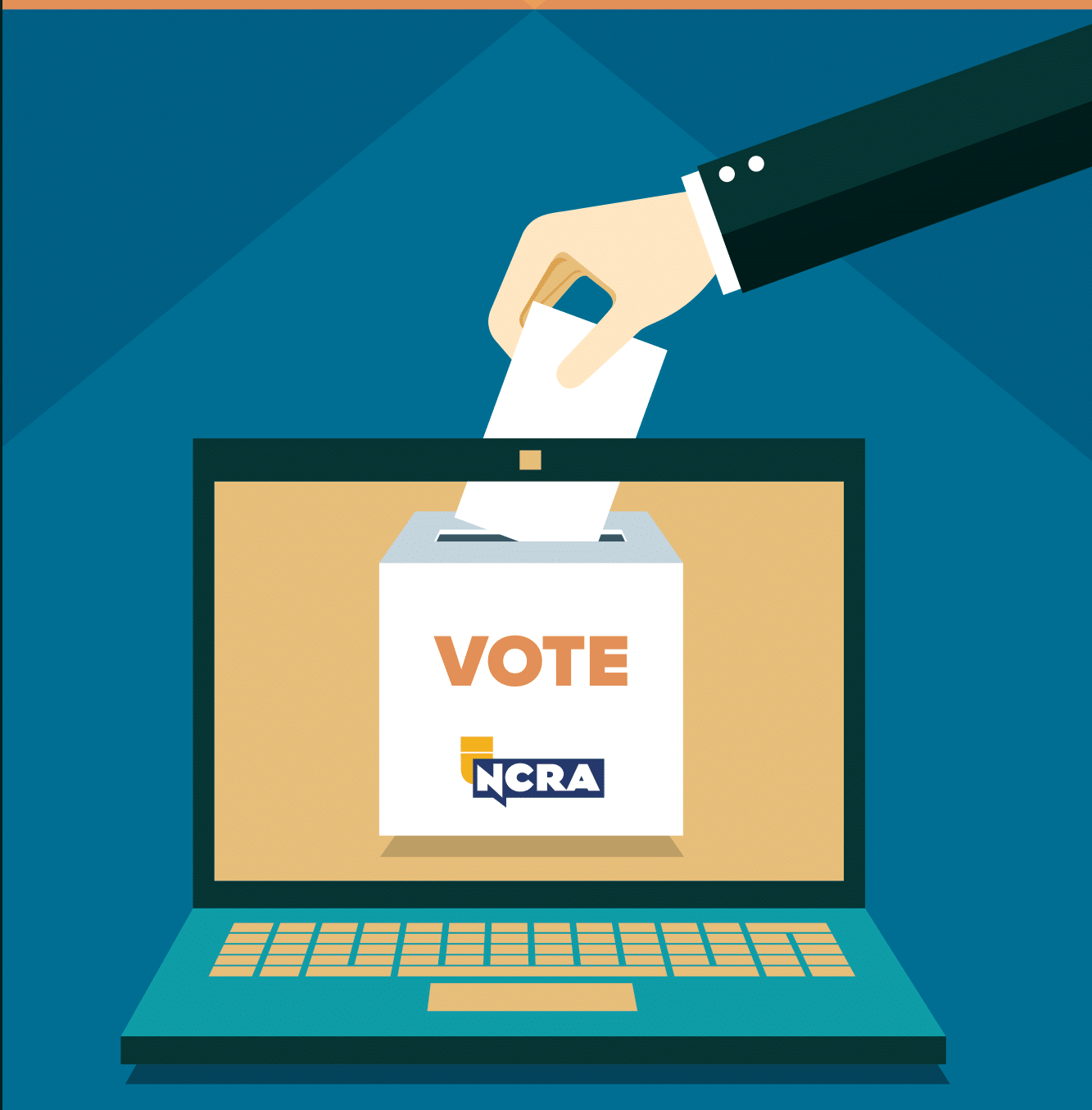
Voting via secure online means will start within two hours of the close of the business meeting and will remain open for 24 hours. Members may cast their votes via their phones, tablets, or computers. Results will be posted shortly thereafter.
Verify or update your email before the July 8 deadline
To receive an online ballot, members must have a current email address on file in NCRA’s membership database by July 8.
Visit the member portal at NCRA.org, and take the following steps to verify or update your email address:
- Click on “Login” at the very top of the website
- Log in with your NCRA ID and password (If you do not know your password, contact Membership, below)
- Once you see a “Welcome” message, click on “My Profile”
- To verify or update your email address, click on “View and Edit Profile”
If you make changes, please be sure to click “Save Profile Information” near the bottom of the profile page.
If you are unable to make your changes or if you do not know your password, contact the NCRA Member Services and Information Center at 800-272-6272 or NCRA Membership at membership@ncra.org. Changes cannot be accepted after July 8.